
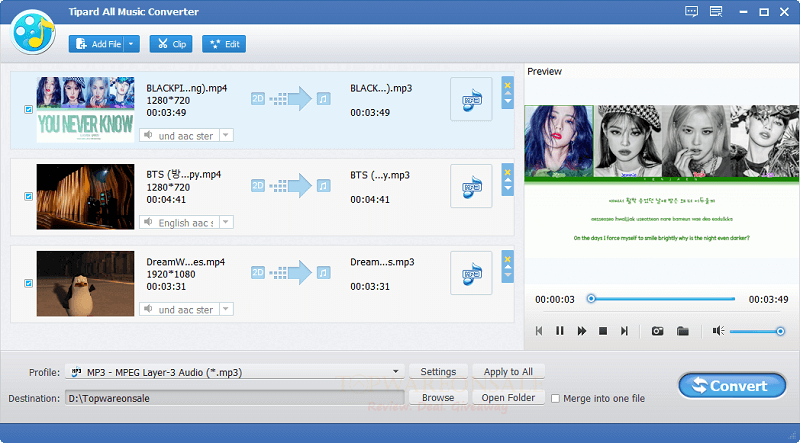
Tipard All Music Converter is a powerful audio converter application that allows you to convert any audio/music to MP3 and more.
Website: https://www.tipard.com/
Store: Tipard
Giveaway: Tipard All Music Converter giveaway link
Download: https://www.tipard.de/downloads/musik-converter.exe
Terms
- This is a 1-year license for 1PC
- Non-commercial use
- No free updates & tech support
- Register before this offer has ended
With the help of Tipard All Music Converter, you can extract audio/music from downloaded videos or other digital MP4 videos, etc. It also allows you to convert any audio file to MP3, WAV, WMA, M4A, FLAC, ALAC, and more. You also can use it to customize the music setting and the length for free. This tool is compatible with iTunes, iPhone, iPod, iPad, Samsung, and analog Android devices.
How to change language?
German is the default language, you should change the language to English to use. Just come to the Language folder in the software installation location, then delete the “de.rcc” file (or rename “de.rcc” file to “en.rcc” file. Open the software and use it in English.
Windows x32: C:\Program Files \Tipard Studio\Tipard All Music Converter\language
Windows x64: C:\Program Files (x86)\Tipard Studio\Tipard All Music Converter\language